Product
SteadySignal TRACKphone Lite TRACKcase TRACKphone TRACKtether Check-Ins & Reminders Document Exchange Reporting & Proof of Contact
Solutions
Recovery & SUD Providers Behavioral Health Providers Medicaid & MCO Reentry Rural Health & FQHCs Coalition Coordination
Resources
Workflow Review Prep Recovery Engagement Checklist Reentry Transition Workflow Rural Health Follow-Up Guide FAQ
Company
About TRACKtech Contact Schedule a Workflow Review →
TRACKcase — The Staff Dashboard Behind SteadySignal

The staff dashboard behind cleaner follow-up.

See engagement activity, check-ins, reminders, documents, communication, alerts, staff actions, timestamps, reporting, and proof-of-contact history — all from one operational view designed for the people doing the work.

Built for recovery providers, behavioral health teams, Medicaid/MCO reentry programs, rural health organizations, FQHCs, and public-sector program leaders.
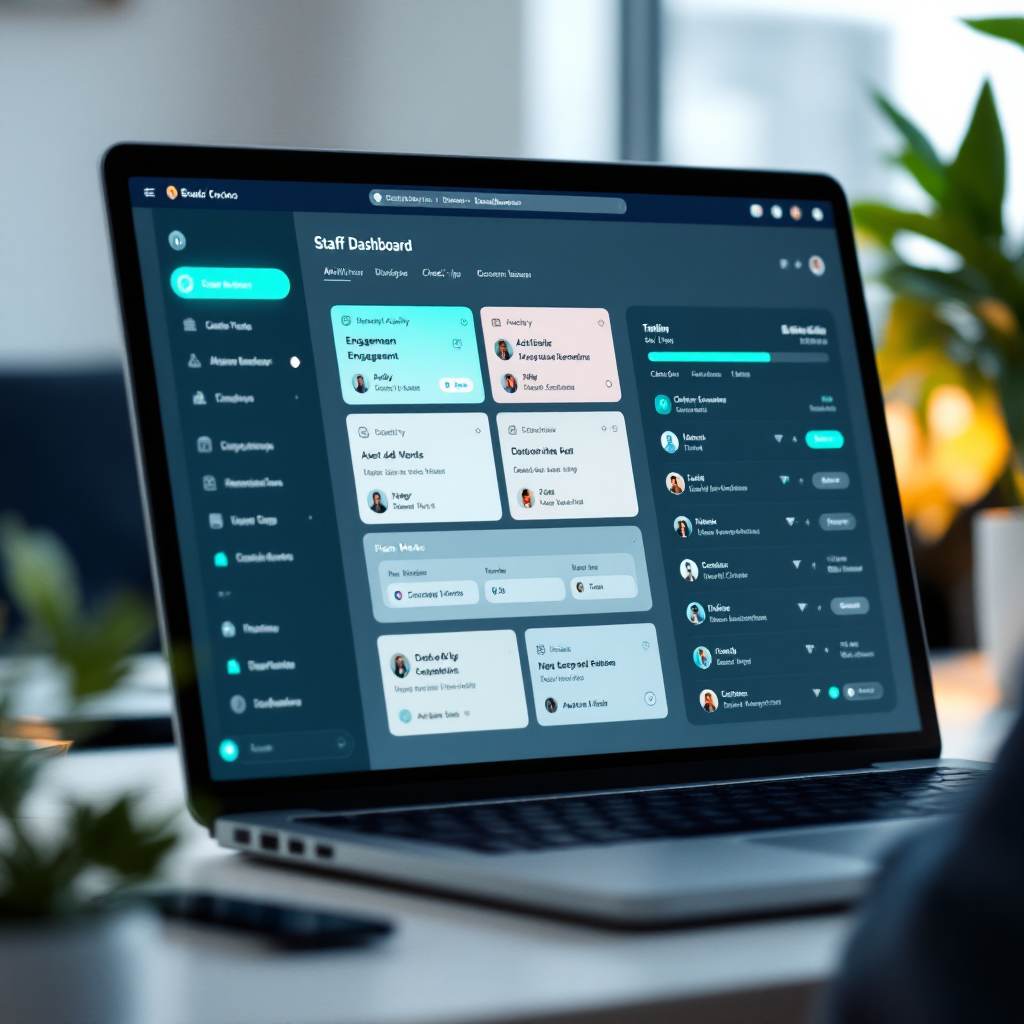
TRACKcase staff dashboard showing engagement activity, check-ins, and reporting

Your EHR records the appointment. TRACKcase helps staff manage the follow-up.

Case management systems and EHRs are built to document formal contacts — appointments, assessments, billing events. But the daily operational work that keeps people engaged between those contacts often lives in spreadsheets, sticky notes, text threads, and memory.

TRACKcase fills the space between the case record and the daily follow-up work. It gives staff a structured view of who needs attention today, what actions have been taken, what documents are outstanding, and where the next risk may be emerging — without replacing the systems you already use.

It is not an EHR. It is not a billing system. It is the operational layer your staff needs to manage the work that happens between formal contacts.

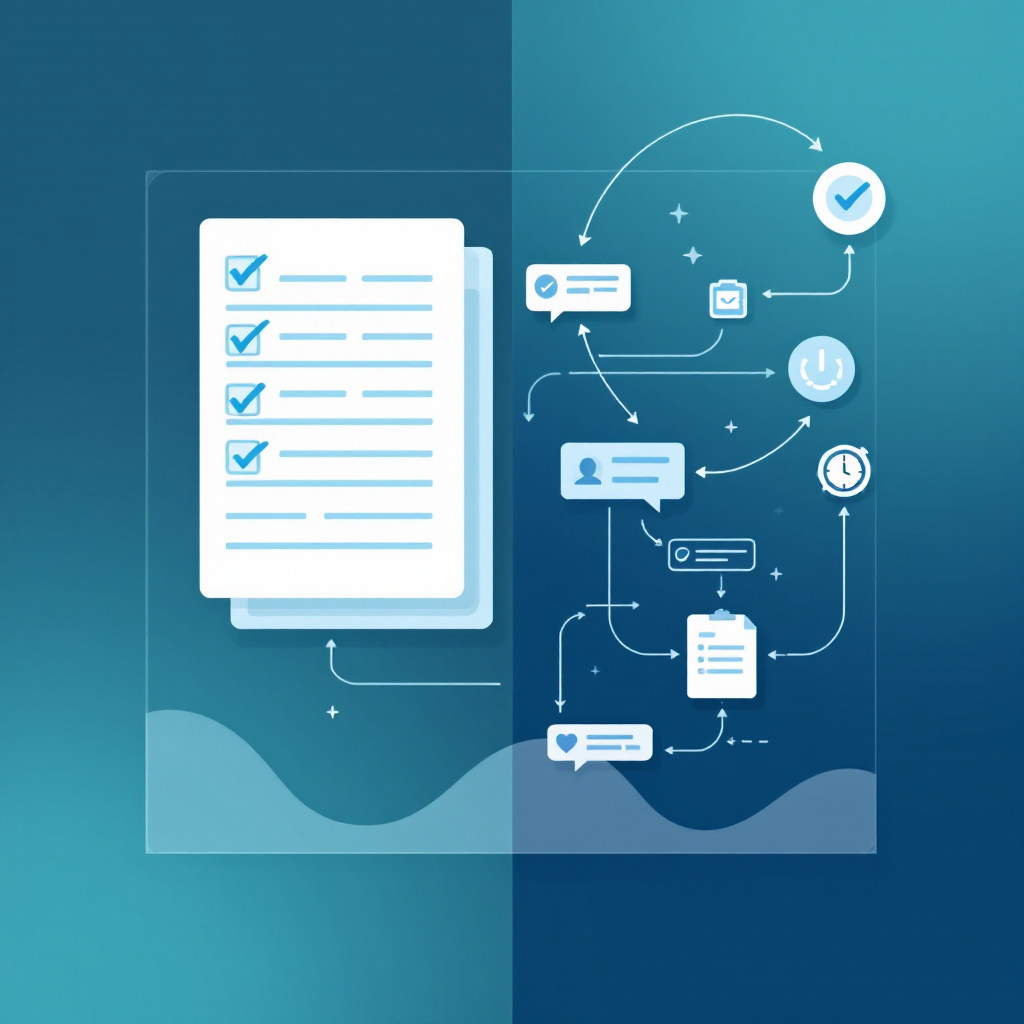
Illustration showing the gap between case records and daily follow-up work

Designed for the work between formal contacts.

TRACKcase gives staff the tools to manage engagement, documentation, and communication without switching between disconnected systems.

Staff Dashboard for Daily Visibility

One view of who needs follow-up today, what actions are outstanding, and where engagement has gone quiet.

Configurable Check-In Workflows

Schedule and track check-ins based on program requirements, treatment milestones, or individual engagement plans.

Communication: Messaging, Video, Mass Outreach

Reach individuals or groups through structured messaging, video check-ins, and mass outreach workflows.

Document Storage and Exchange

Collect, store, and exchange IDs, consents, referrals, forms, and required paperwork in a structured workflow.

Reporting and Activity History

Review engagement history, staff actions, timestamps, and reporting outputs for operational oversight and program review.

Alerts and Escalation Visibility

Surface missed touchpoints, non-responses, and escalation triggers so staff can act before small gaps become bigger problems.

Calendar-Based Workflows and Reminders

Schedule reminders, follow-ups, and recurring workflows tied to appointments, milestones, and program timelines.

API Capability Where Integration Is Needed

Connect TRACKcase to existing systems where data exchange, reporting, or workflow integration is required.

Location and Geofence-Related Workflows

Support location-based check-ins and geofence-related workflows where applicable to program requirements.

How teams use TRACKcase inside SteadySignal

Different roles need different views. TRACKcase gives each level of your team the visibility they need to do their part.

Program Staff

See who needs follow-up today

Case managers and frontline staff see a daily view of outstanding check-ins, missed contacts, pending documents, upcoming reminders, and escalation alerts — so they know where to focus before the day gets away from them.

Supervisors

Review engagement history, staff actions, and alerts

Supervisors can review what staff have done, when actions were taken, which clients have gone quiet, and where escalation may be needed — without asking staff to reconstruct their day from memory.

Program Leaders

Reporting and workflow visibility

Program directors and administrators can access reporting outputs, engagement summaries, activity history, and proof-of-contact records — supporting operational oversight, funder reporting, and program review.

Clean documentation record showing timestamped staff actions and proof of contact

Supports a cleaner record.

When follow-up work lives in spreadsheets, text threads, and memory, the record is incomplete. TRACKcase helps preserve the operational trail so your team can explain what happened, when it happened, and who was involved.

  • Reminders sent and received
  • Check-in responses and missed contacts
  • Staff actions and follow-up steps
  • Documents exchanged and stored
  • Communication logs and timestamps
  • Reporting outputs and proof-of-contact history

See where your follow-up record is getting messy.

If your team is managing engagement, documentation, and reporting across spreadsheets, text threads, and disconnected tools — a workflow review can help you see where TRACKcase fits.

Schedule a Workflow Review

Start with a conversation. Security, implementation, and procurement materials are available when your team is ready.